WhatsApp Bulk Sender for PC: Personalized Messages at Scale
Import your contacts from Excel, write up to 20 rotating message templates and send personalized WhatsApp messages with images and files, straight from your Windows PC.
What Is WhatsApp Express?
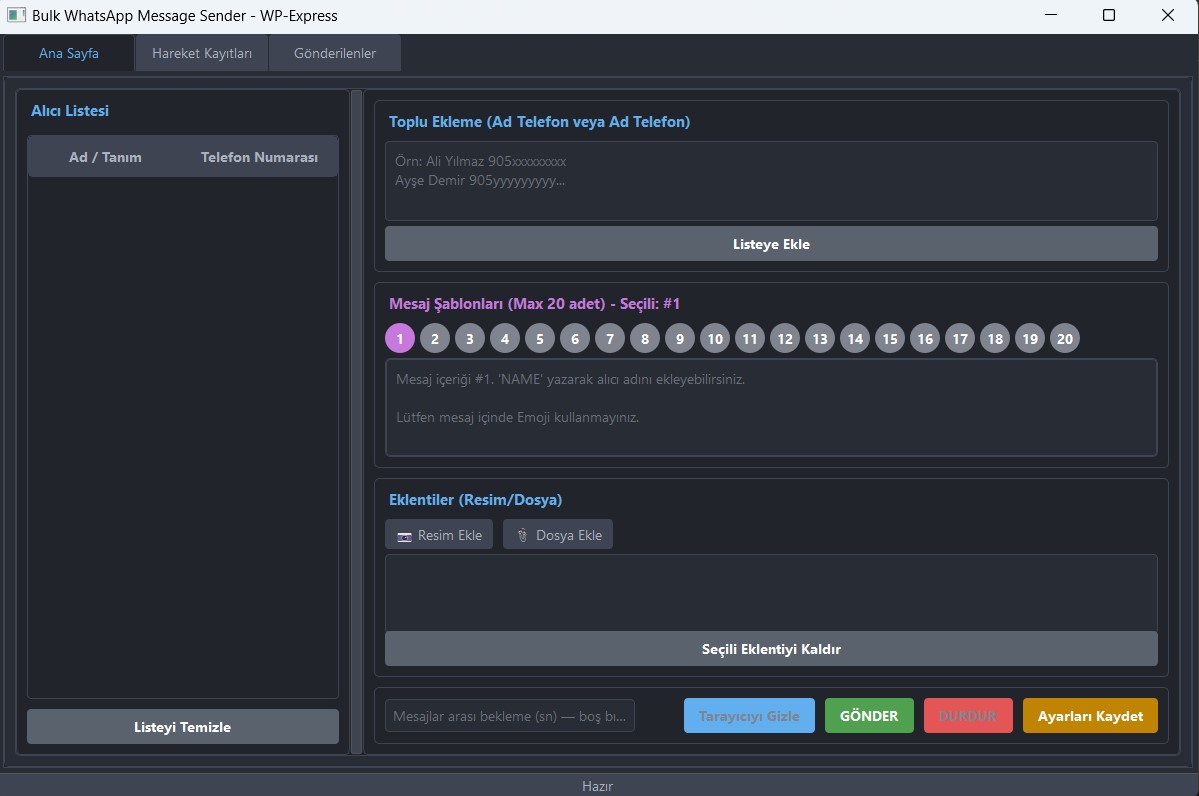
WhatsApp Express is a WhatsApp bulk message sender for Windows. It works through WhatsApp Web, so you use your own WhatsApp number. You don't need an API account and you don't pay per message.
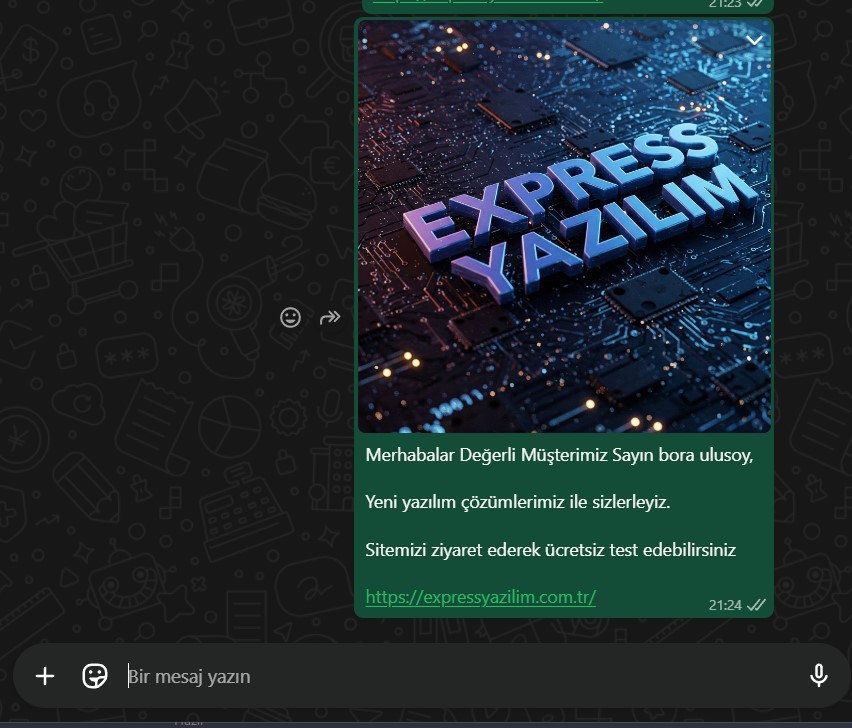
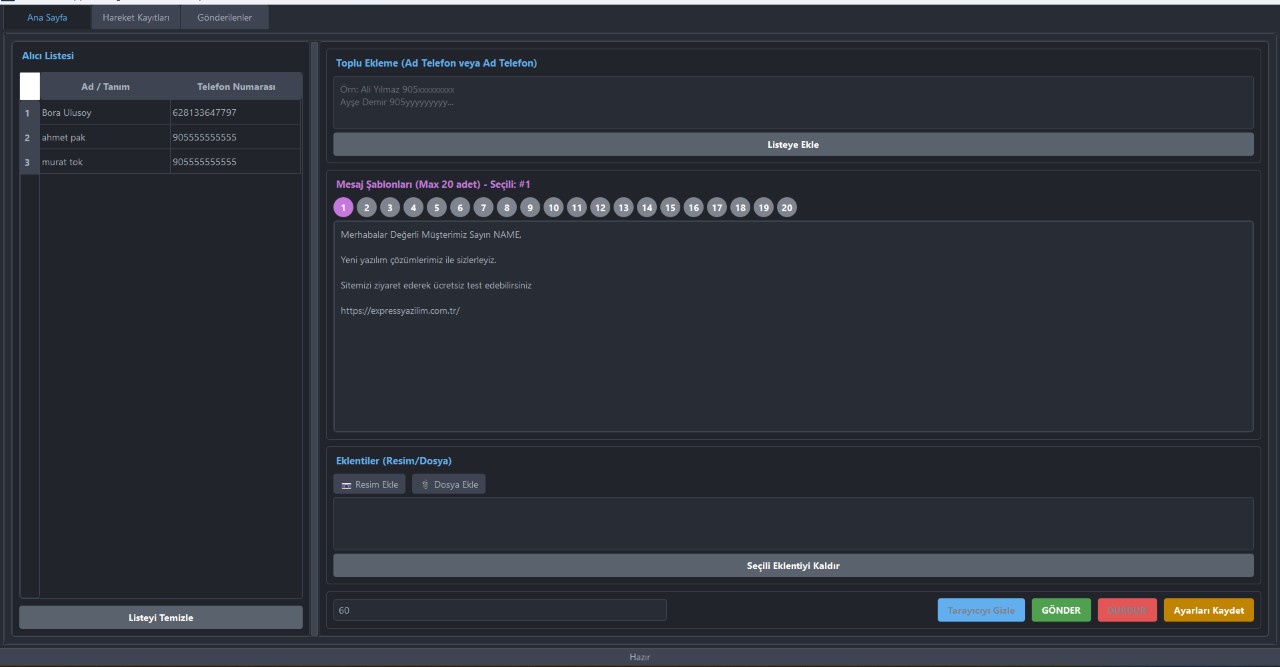
Load your contacts from Excel, write your messages and add the NAME tag so every person is greeted by name. To look natural and reduce the risk of spam reports, WhatsApp Express rotates between up to 20 different message templates and sends at a controlled pace. When the campaign ends you get a detailed report of what was delivered.
Excel import
Load thousands of contacts at once
20 rotating templates
Varied messages, fewer spam flags
Delivery reports
See exactly what was sent
How to Send Bulk WhatsApp Messages from Your PC
Install & link WhatsApp
Install WhatsApp Express and scan the WhatsApp Web QR code with your phone.
Import contacts
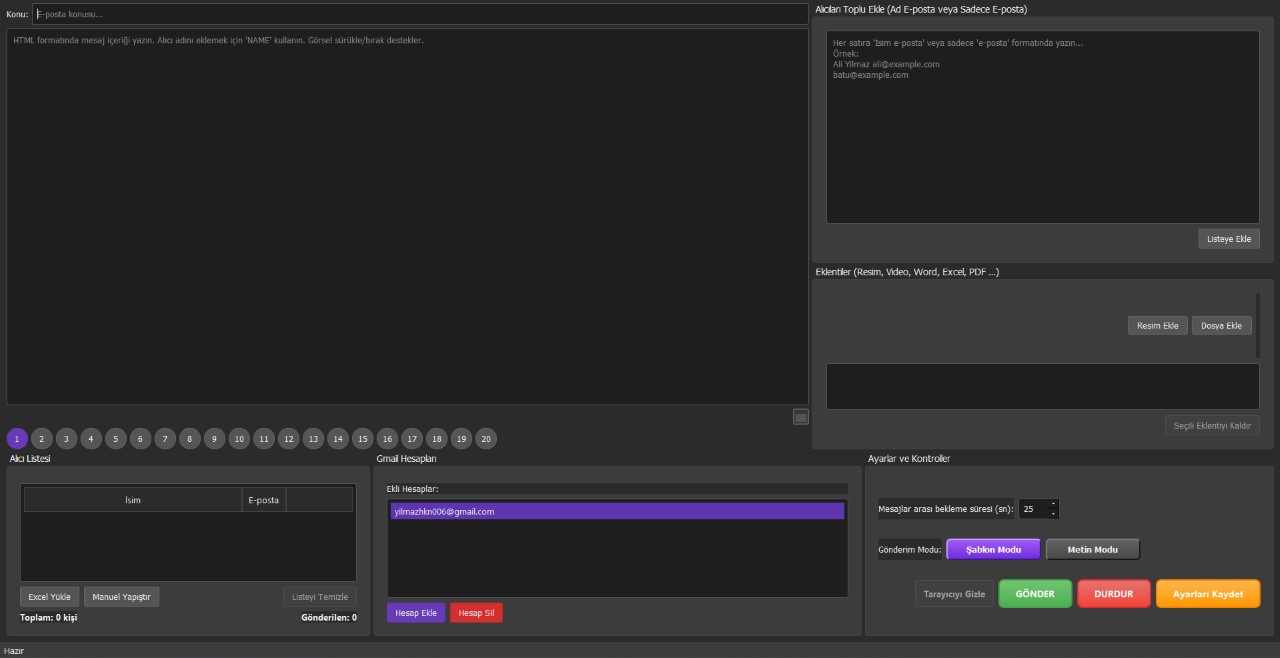
Load your list from Excel with names and phone numbers.
Write your messages
Prepare up to 20 templates, add the NAME tag and attach images or files.
Send & review
Start the campaign, pause or resume anytime and check the report at the end.
Who Uses a WhatsApp Bulk Sender?
Shops & e-commerce
Send offers, order updates and new arrivals to your customers.
Real estate & agencies
Share new listings and follow up with leads quickly.
Clinics & services
Send appointment reminders and announcements.
Communities & events
Invite members to events and share important news.
Only message people who know you and expect to hear from you. Unwanted bulk messages lead to reports and can get a WhatsApp number banned. Please follow WhatsApp's Terms of Service.
WhatsApp Bulk Sender FAQ
How can I send bulk WhatsApp messages without the API?
WhatsApp Express works through WhatsApp Web with your own number, so you don't need a WhatsApp Business API account. Import your contacts, write your messages and start the campaign from your PC.
Can I send images and files?
Yes. You can attach images and files to your messages.
Can I personalize every message?
Yes. Add the NAME tag and each contact is greeted by their own name.
Will my WhatsApp number get banned?
Any bulk messaging carries risk if recipients report you. WhatsApp Express reduces it with 20 rotating templates and controlled sending speed, but the most important factor is messaging people who actually expect to hear from you.
How much does WhatsApp Express cost?
WhatsApp Express costs $35 for 1 month, $59 for 3 months, $109 for 6 months or $349 for a lifetime license. Every license includes a free 24-hour trial.
WhatsApp Express Pricing
1-Month License
- All features included
- Multi-account support
- Technical support
- Free updates
3-Month License
Just $19.67 per month
- All features included
- Multi-account support
- Priority support
- Free updates
6-Month License
Just $18.17 per month
- All features included
- Multi-account support
- VIP support
- Free updates
Lifetime License
One-time payment, use it forever
- All features included
- Unlimited accounts
- VIP priority support
- Lifetime updates
Every license comes with a free 24-hour trial. Download the trial →
Reach All Your Customers on WhatsApp
Try WhatsApp Express free for 24 hours.