Short answer: You can add people to a Telegram group in two ways: add them directly from your contacts, or send them an invite link and let them join. For larger growth, make the group public so it can be found in search, promote it in related communities, or use a Telegram member adder that collects active users from groups in your niche and adds them for you. Telegram's privacy settings and daily limits apply to every method.
1. Add Members from Your Contacts
- Open the group and tap its name at the top.
- Tap Add Members.
- Select people from your contact list and confirm.
This is the fastest method for a small group of people you already know. It only works for users whose privacy settings allow you to add them (see limits below).
2. Share an Invite Link
- Open the group info and tap Invite via Link (or Invite Links for admins).
- Copy the link or show the QR code.
- Share it by message, email, on your website or in your social media bio.
Admins can create several links with an expiry date, a member limit or a join-request approval step. Separate links also show you which channel brings the most members. An invite link is the only method that works for people who don't allow being added to groups.
3. Make the Group Public
A private group can only be joined by invitation. If you set a public username in Group Type, the group gets a short address (t.me/yourgroup) and shows up in Telegram's search. Choose a name and description with the words people would actually search for.
4. Promote It Where Your Audience Already Is
- Agree on cross-promotion with admins of groups and channels on a related topic.
- Put the invite link on your website, in your email signature and in your video descriptions.
- Give people a reason to join: early access, a discount, support or content they can't get elsewhere.
5. Use a Telegram Member Adder
Manual methods are slow once you want thousands of members. A member adder automates the search for relevant people: it reads the recent activity in source groups you choose, keeps real and active users, and adds them to your group at a controlled pace.
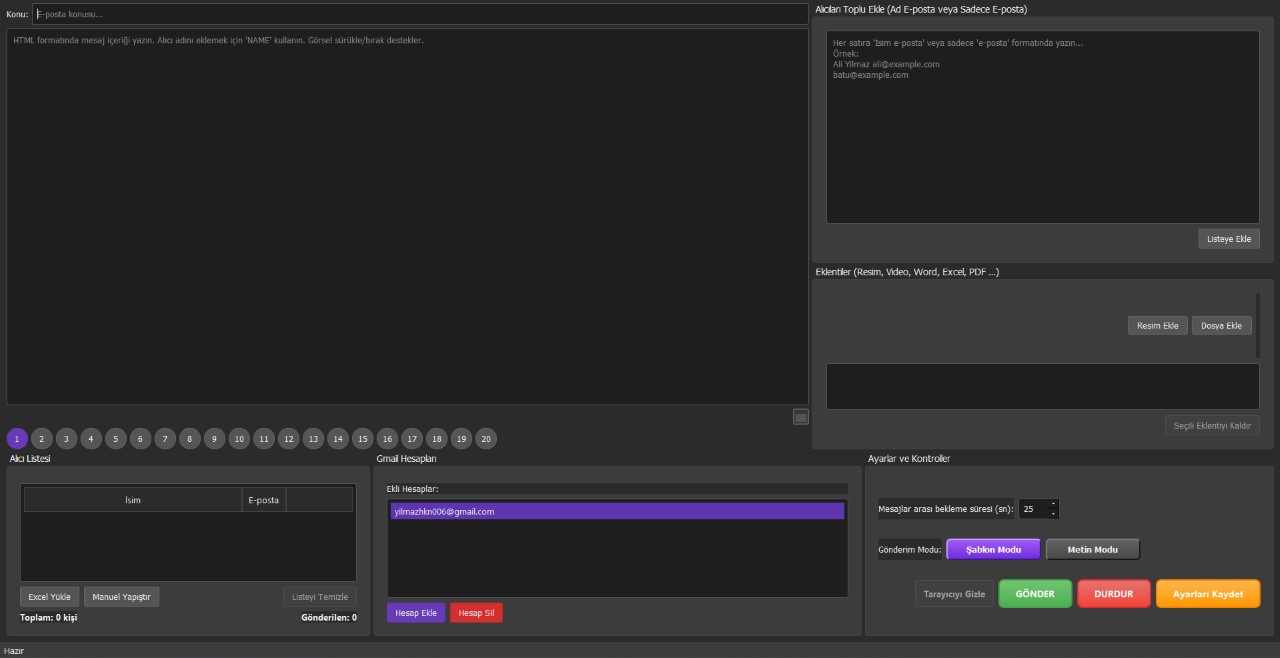
ReactExpress is our Windows tool for this. It works with one or several of your own Telegram accounts and:
- collects active members from public and private source groups you belong to,
- filters out bot accounts and anyone it has already tried,
- spreads the work across your accounts and keeps each one inside its daily limit,
- rescans the source groups when the list runs out, so growth continues.
Tip: Pick source groups on the same topic as yours. People added to a group they have no interest in leave quickly or report it.
Limits and Rules You Should Know
- Group size: a Telegram group can hold up to 200,000 members.
- Privacy settings: every user decides who may add them to groups (Settings › Privacy and Security › Groups & Channels). If someone has restricted this, neither you nor any tool can add them; send an invite link instead.
- Daily limits: Telegram limits how many users one account can add per day. The exact number is not published and depends on the account's age and history.
- Spam restrictions: an account that adds too many people too quickly, or is reported by the people it adds, can be temporarily limited or banned.
- Terms of Service: adding people who have no connection to your topic is treated as spam. Aim for relevance, not raw numbers.
Which Method Should You Use?
| Method | Best for | Effort |
|---|---|---|
| Add from contacts | Friends, team, existing customers | Low, but only people you know |
| Invite link | Website visitors, followers, email list | Low |
| Public group | Being found through Telegram search | One-time setup |
| Cross-promotion | Reaching an established audience | Ongoing |
| Member adder | Steady growth from related groups | Setup once, then automatic |
Frequently asked questions
How do I add members to a Telegram group?
Open the group, tap its name, choose Add Members and select people from your contacts. For everyone else, share the group's invite link.
Can I add members from another Telegram group to mine?
Yes, if you are a member of that group and its member list is visible. Doing it by hand is slow, so most people use a Telegram member adder such as ReactExpress. Users whose privacy settings block group invitations cannot be added.
Why can't I add someone to my Telegram group?
The most common reasons are their privacy settings (only contacts, or nobody, may add them), a restriction on your own account, or the group being full.
How many members can I add per day?
Telegram does not publish a number. The limit is per account and depends on its age and history. Tools like ReactExpress respect the limit of each account, so the daily total grows with the number of accounts you use.
How many members can a Telegram group have?
Up to 200,000.
Is there a free way to try an automatic member adder?
Yes. ReactExpress has a free 24-hour trial with all features enabled.
Grow Your Telegram Group on Autopilot
Try ReactExpress free for 24 hours.
Download free trial Telegram member adder