Short answer: WhatsApp mostly bans numbers because of how recipients react: when people block or report you, your number is at risk. So the most effective protection is not a technical setting. It is sending only to people who know you and expect your message. The eight rules below turn that principle into everyday practice.
Why Does WhatsApp Ban a Number?
WhatsApp's terms restrict unsolicited, automated and bulk messaging. In practice these are the most common triggers:
- Reports and blocks: people who do not know you answer with "Report" or "Block". A burst of reports is the strongest signal.
- Not being in their contacts: writing to many people who have not saved your number looks unusual.
- No replies: since October 2025 WhatsApp has been testing a monthly cap on messages sent to people who do not respond.
- Identical content: the same text and the same link going to hundreds of people within seconds.
- New number, high volume: a number with no chat history messaging a large list on its first day.
To be honest: no software can guarantee that your number will not be banned. These rules lower the risk; they do not remove it.
1. Only Message People Who Opted In
Your list should consist of customers, members or people who clearly asked to hear from you. Bought or scraped number lists drive up the report rate, and in many countries sending commercial messages without prior consent is illegal. If you are unsure about your obligations, ask a legal adviser.
2. Introduce Yourself in the First Sentence
The recipient should know who is writing as soon as they open the message. "Hi Sarah, this is Emma from Oak Street Dental" gets far fewer reports than a message that opens with an offer.
3. Greet People by Name
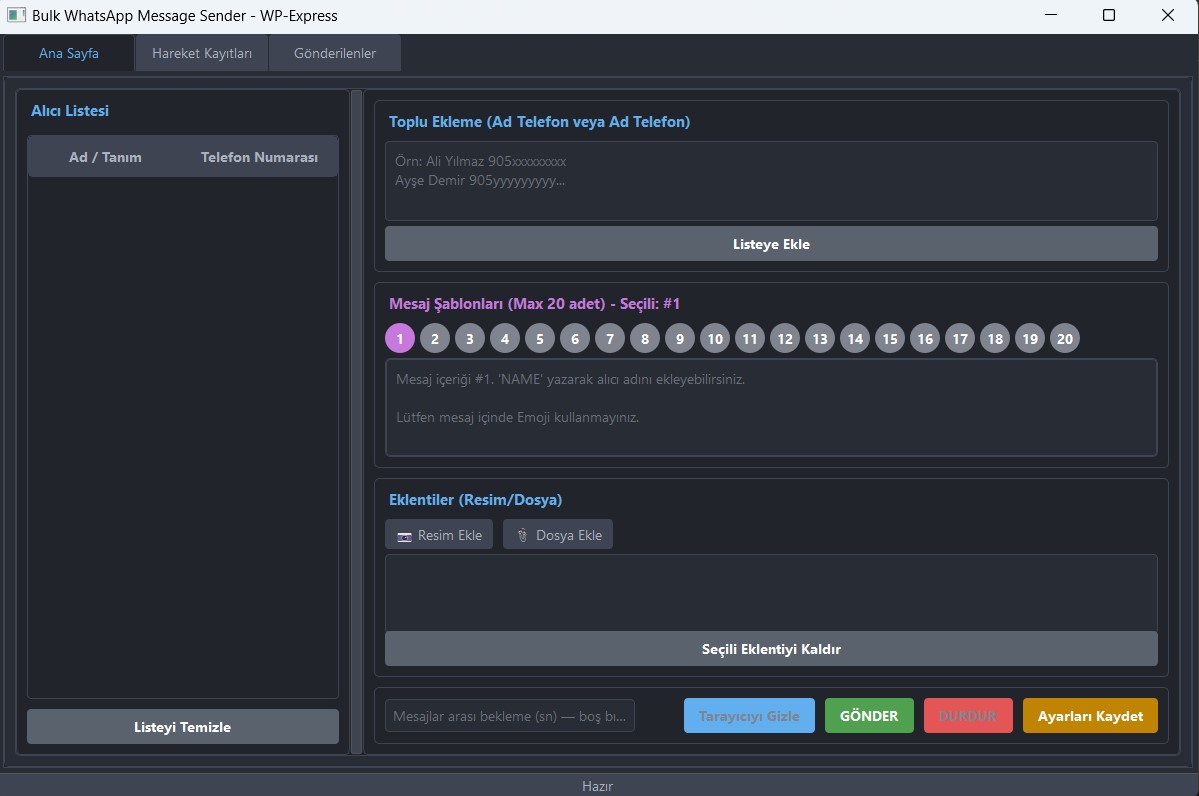
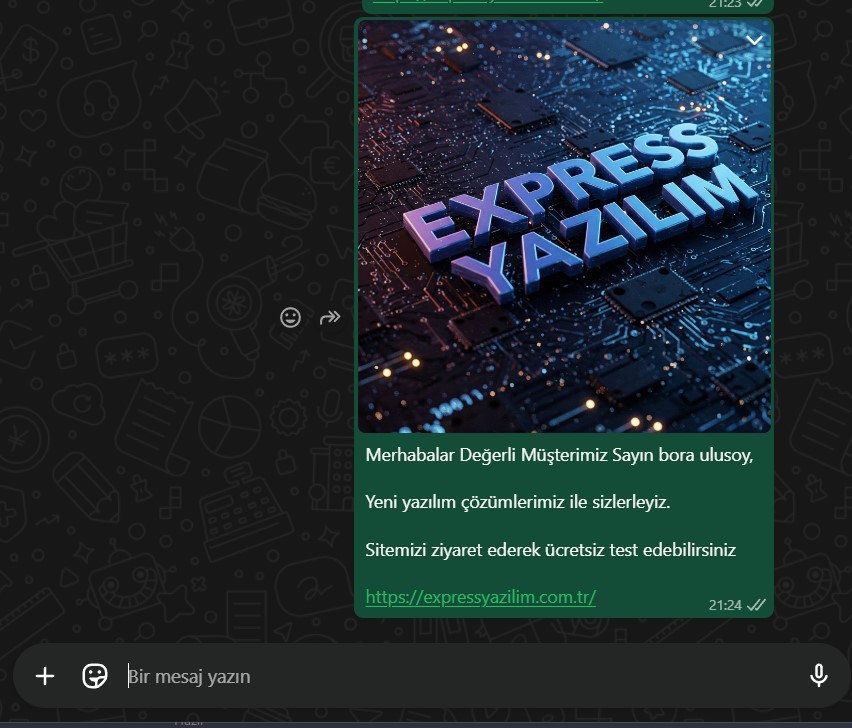
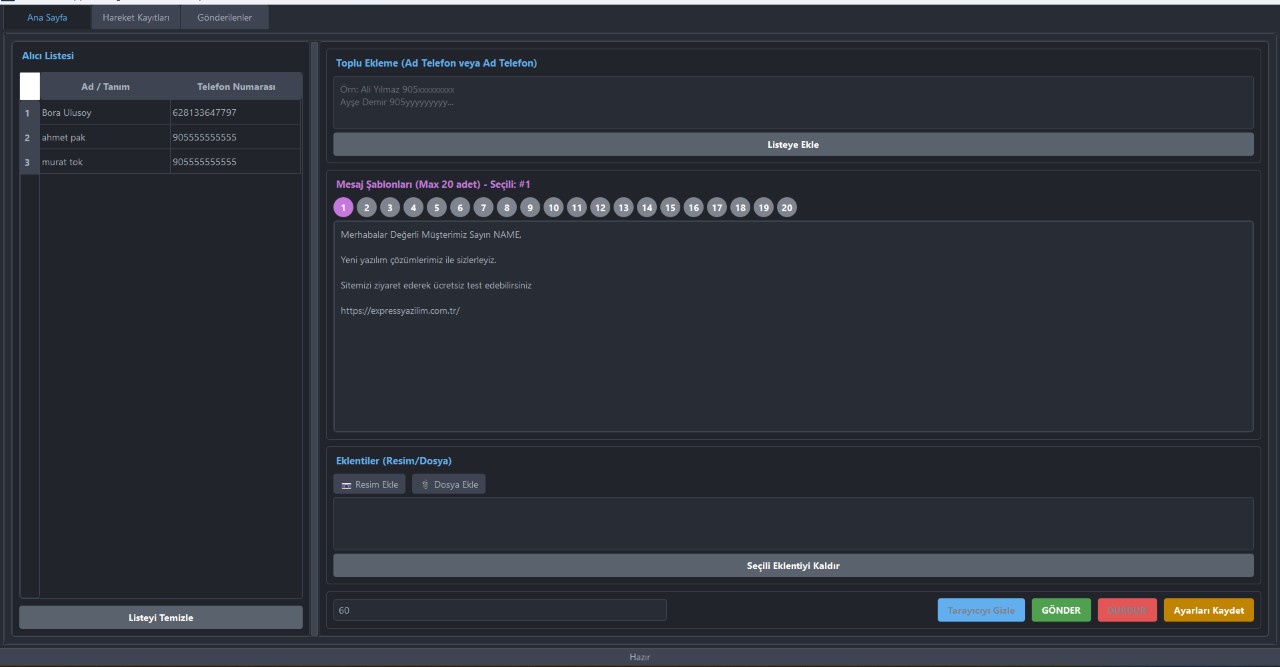
Messages that look personal are read more and blocked less. In WhatsApp Express you type NAME in the message and the program inserts each recipient's name.
4. Vary the Text by Audience
Do not send everyone the same sentence. Write your announcement a few different ways: one for long-standing customers, another for new sign-ups. WhatsApp Express lets you use up to 20 templates in one campaign.
5. Keep the Pace Slow
Do not send much faster than a person could type. Leave 30 to 60 seconds between messages and keep the daily total reasonable. Spreading a large list over several days is safer than finishing it in an hour.
6. Avoid Links and Heavy Files in the First Message
A link in the first message to someone who has not saved your number raises suspicion, both for the user and for the system. Start with a short introduction and send the link or catalogue after they reply.
7. Offer a Way Out
End with a line such as "Reply STOP if you would rather not receive these messages" and really remove those who reply. People who cannot find a way out press the report button instead.
8. Do Not Start a Big List with a New Number
Do not message hundreds of people on the first day of a new number. Have normal conversations with existing customers first, start bulk sending with small groups and increase based on how people respond.
For Very Large Volumes: the Official WhatsApp Business Platform
Organizations that send regular notifications to tens of thousands of people should use WhatsApp's official solution, the WhatsApp Business Platform (API). It works with approved templates and per-message pricing and needs technical setup. For small and medium businesses announcing something to their own customer list, a desktop tool such as WhatsApp Express is more practical and economical. The rules above apply either way.
If Your Number Has Been Banned
Open WhatsApp and use the "Request a review" option on the screen that appears. Until the review is decided, do not send to the same list from another number: unless the list and the text that caused the reports change, the result will not change either.
Frequently asked questions
How many bulk messages can I send per day on WhatsApp?
WhatsApp does not publish a number. A safe amount depends on the age of your number, whether recipients know you and how many reports you get. Start small and increase gradually.
Is it legal to send bulk WhatsApp messages?
Informing people who agreed to hear from you is legal. In many countries commercial messages require prior consent, and unsolicited advertising can lead to fines.
Does changing templates prevent a ban?
Not on its own. Different texts keep your messages from looking identical, but if recipients do not know you and report you, variety will not help.
Is the WhatsApp Business app safer for bulk messages?
It adds a business profile, a catalogue and quick replies, but the rules on reports and blocks are the same. What keeps you safe is still the quality of your list.
What is the difference between a broadcast and a bulk sender?
A broadcast list is WhatsApp's own feature: up to 256 contacts who have saved your number, with a monthly cap. A bulk sender messages each contact in their own chat from a list you import.
Try Controlled Sending Yourself
Test the delay setting, templates and personal greetings in WhatsApp Express free for 24 hours.
Download free trial WhatsApp bulk sender